Tool-calling agents are finally hitting a very non-obvious bottleneck: your transport.
If you’re doing 20+ tool calls per user request, HTTP request/response overhead becomes the hidden tax.
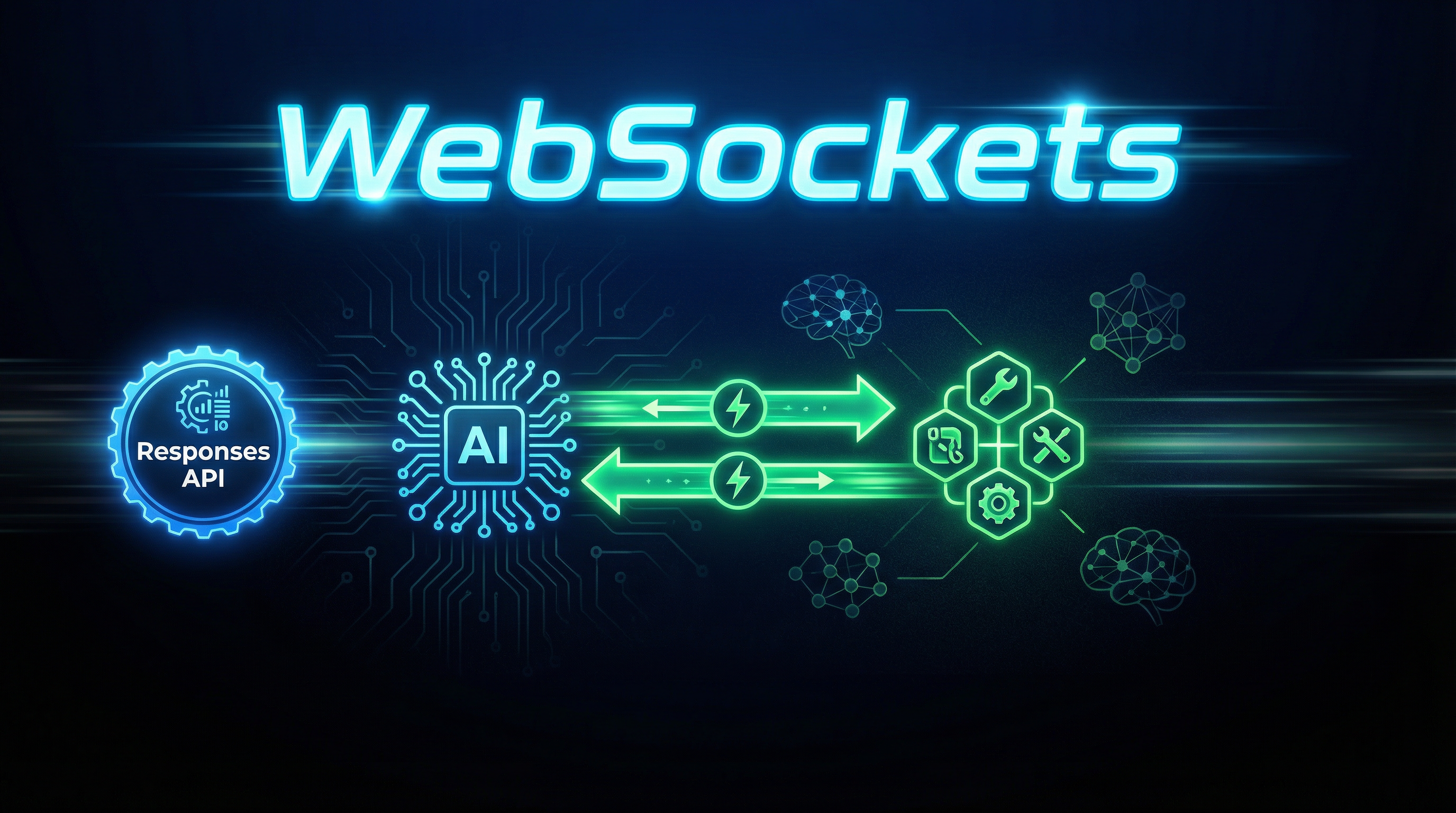
WebSockets in OpenAI’s Responses API are a big deal because they turn that tax into a single, long-lived channel.
Intro / The Problem
Most agent stacks still “think” about latency as model tokens and tool execution time.
In production, the real killer is the coordination layer: dozens of network round trips, each with its own handshake, headers, retries, and timeouts.
You see it when:
- A planner agent fans out into multiple tool calls
- A verifier loops until it gets an acceptable answer
- A “do the workflow” agent needs to continuously append context
If your agent is chatty with tools, the transport becomes part of the model.
What changes with a persistent channel?
A WebSocket connection lets you:
- Keep one connection open while the agent runs
- Send incremental user input (or tool results) without starting a new request
- Receive streaming events continuously rather than polling
That’s not just “faster streaming.” It’s a different control surface.
Core Concept: WebSocket mode for long tool chains
The Responses API already supports streaming over server-sent events (SSE) via stream: true for standard HTTP calls. (OpenAI API Reference)
SSE is great for “one request, one streamed answer.”
But when you’re building agents that need many back-and-forth turns inside a single user interaction, you want a session.
Why sessions matter for tool-heavy agents
In a tool-heavy run, you often need to:
- Emit intermediate reasoning/status to the UI
- Call a tool, wait, then continue generation
- Add new input context (tool output, human approval, structured state)
A session transport aligns with the agent runtime.
Streaming event taxonomy (why you should care)
The Responses API defines a large set of stream event types (50+), including audio, transcripts, and code interpreter deltas. (OpenAI API Reference)
Even if you only do text + tools, event types matter because:
- You can build a deterministic event reducer
- You can render progress in real time
- You can persist a replayable execution log
Treat events as your agent’s “append-only ledger.”
Quick comparison: HTTP(SSE) vs WebSocket
| Dimension | HTTP + SSE (stream: true) | WebSocket mode |
|---|---|---|
| Connection | New HTTP request per run | Persistent connection |
| Best for | Single-turn streaming | Long-running, chatty agent runs |
| Mid-run input | Awkward (new request) | Natural (send more frames) |
| UI integration | Easy | Slightly more plumbing |
| Failure recovery | Retry request | Reconnect + resume strategy |
How It Works / Step-by-Step
The goal is to build a thin “session driver” that:
- Opens a WebSocket
- Sends a response.create (or equivalent) payload
- Listens to server events and reduces them into a state object
- When the model requests a tool, executes it
- Sends the tool result back as the next input
- Ends cleanly on a done event
Step 1: Define a state reducer for streaming events
You’ll thank yourself later if you make state reconstruction deterministic
# event_reducer.py
from dataclasses import dataclass, field
from typing import Any, Dict, List

@dataclass
class RunState:
    text_deltas: List[str] = field(default_factory=list)
    tool_calls: List[Dict[str, Any]] = field(default_factory=list)
    done: bool = False

    def add_event(self, event: Dict[str, Any]):
        etype = event.get("type")

        # Simplified: your real reducer should handle many event types.
        if etype in ("response.output_text.delta", "response.text.delta"):
            self.text_deltas.append(event.get("delta", ""))

        if etype in ("response.tool_call", "response.output_tool_call"):
            self.tool_calls.append(event)

        if etype in ("response.completed", "response.done"):
            self.done = True

    @property
    def text(self) -> str:
        return "".join(self.text_deltas)
Concrete example: If your UI disconnects, you can replay the same event stream into RunState to reconstruct the partial answer.
Step 2: Connect with a WebSocket client
Use any WS client you trust.
Here’s a minimal Python example using websockets.
# ws_driver.py
import asyncio
import json
import websockets

OPENAI_WS_URL = "wss://api.openai.com/v1/responses"  # illustrative

async def run_agent(api_key: str, payload: dict):
    headers = {
        "Authorization": f"Bearer {api_key}",
        # Some clients require explicit header setting; check your WS library.
    }

    async with websockets.connect(OPENAI_WS_URL, extra_headers=headers) as ws:
        await ws.send(json.dumps({"type": "response.create", **payload}))

        async for msg in ws:
            event = json.loads(msg)
            print("EVENT", event.get("type"))
            # Reduce into state, detect tool calls, etc.

if __name__ == "__main__":
    asyncio.run(run_agent("YOUR_KEY", {
        "model": "gpt-4.1",
        "input": "Summarize the repo and open a PR with fixes.",
        "tools": [{"type": "code_interpreter"}],
    }))
Concrete example: Your “build a PR” agent can stay connected while it runs tests, formats code, and streams progress.
Step 3: Handle tool calls as a local loop
A good pattern is a local dispatcher keyed by tool name.
# tool_dispatch.py
import subprocess

def tool_dispatch(name: str, arguments: dict) -> dict:
    if name == "shell":
        cmd = arguments["cmd"]
        out = subprocess.check_output(cmd, shell=True, text=True)
        return {"stdout": out}

    raise ValueError(f"Unknown tool: {name}")
Concrete example: When the model asks to run pytest, you execute it and return stdout/stderr as structured content.
If you don’t bound tool outputs, you’ll recreate the same context-bloat failures you were trying to avoid.
Step 4: Add a reconnect strategy
WebSockets will drop.
So design for:
- Heartbeats / ping
- Automatic reconnect
- Idempotent tool execution
- Replayable state (event log)
If you already store the event stream, reconnect becomes “resume and keep reducing.”
Real-World Example: A “Spec-to-PR” agent with 30 tool calls
Let’s outline a realistic agent run:
- Read a repo structure
- Open files
- Run tests
- Apply edits
- Run tests again
- Write a PR description
That’s easily 20–40 tool calls.
A pragmatic architecture
| Component | Responsibility | Failure mode |
|---|---|---|
| WS session driver | Owns connection + event loop | reconnect + replay |
| Tool runtime | Executes tools with limits | sandbox/quotas |
| State store | Persists event log + artifacts | corruption/partial writes |
| UI streamer | Renders deltas + progress | backpressure |
Example: event loop with tool execution
This is pseudocode with real control-flow.
async for event in ws_events():
    state.add_event(event)

    if event.get("type") == "response.output_tool_call":
        tool_name = event["tool"]["name"]
        tool_args = event["tool"]["arguments"]

        result = tool_dispatch(tool_name, tool_args)

        await ws.send(json.dumps({
            "type": "response.input_tool_result",
            "tool_call_id": event["tool"]["id"],
            "output": result,
        }))

    if state.done:
        break
Concrete example: The model requests shell({cmd: "pytest -q"}). You run it, send back {stdout: ...}. The model continues without a new HTTP request.
Key Takeaways
- WebSockets matter when your agent is “tool-chatty,” not just “token-heavy.”
- Build an event reducer first; everything else gets easier.
- Treat streaming events as an execution log you can replay.
- Use strict limits on tool output size and runtime.
- Design reconnect as a first-class feature, not an afterthought.
- Persistent sessions unlock better UX: progress bars, partial results, and mid-run human input.
Conclusion
Agents are shifting from “one prompt, one answer” to “one request, many actions.”
When your agent runtime becomes a workflow engine, HTTP starts to look like the wrong abstraction.
WebSockets don’t magically fix bad agent design, but they remove a major source of coordination overhead.
If you’re benchmarking agents without measuring network round trips, you’re missing the real bottleneck.
Next step: instrument your agent with per-tool-call latency, queueing time, and reconnection counts.
Then decide if you need persistent sessions—or if you just need fewer tool calls.
If you build a WebSocket session driver this week, you’ll feel the difference immediately.
Want a follow-up post with a production-ready event schema + replay storage pattern? Reply with your stack (Node, Python, Go) and your agent runtime.