What Is OpenClaw, Really?
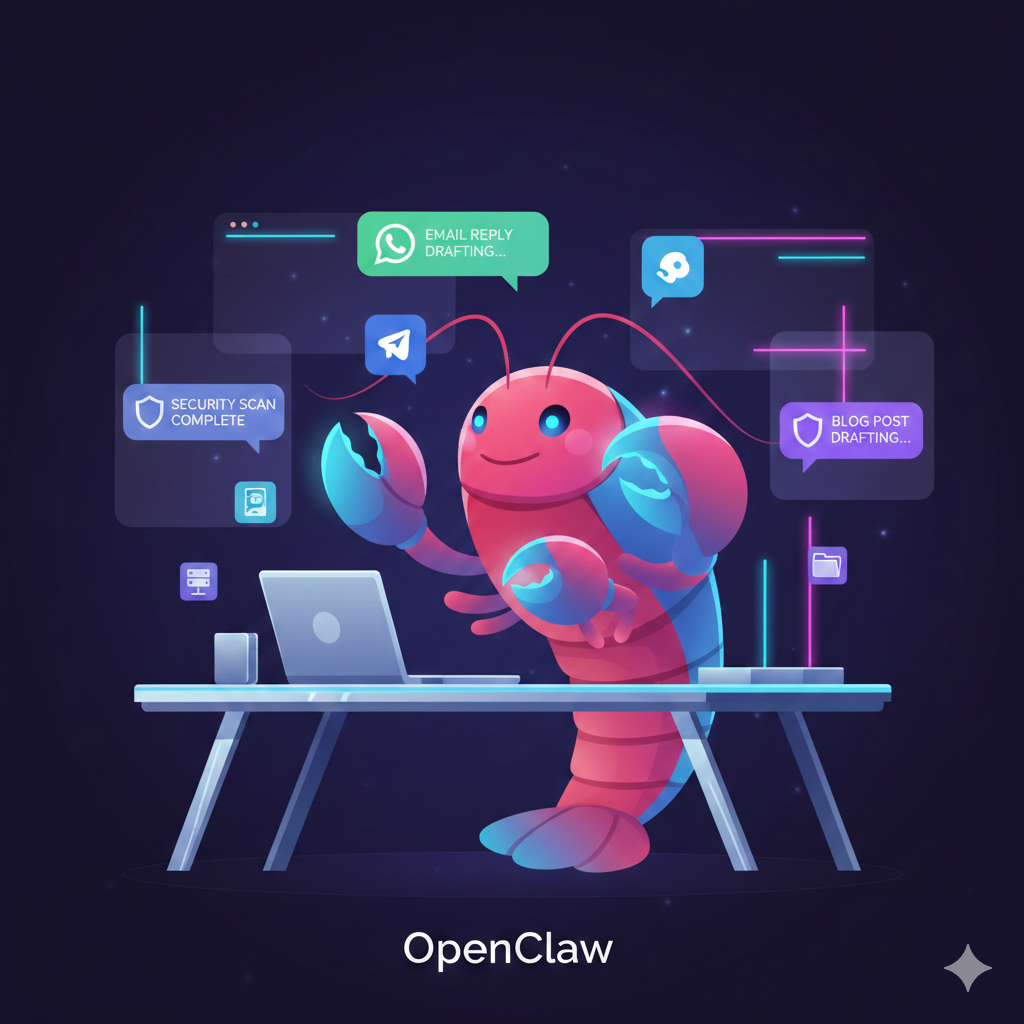
If you’ve felt underwhelmed by AI “assistants” that can talk but not actually do things, OpenClaw is going to feel very different. It’s an open-source, autonomous AI agent that runs on your own machine and connects through the chat apps you already use—think WhatsApp, Telegram, Slack, Discord, iMessage, and more. Instead of living in a vendor’s cloud, your agent lives in your environment, with your rules, and can take real actions like running shell commands, controlling a browser, sending emails, and managing files.
Under the hood, OpenClaw behaves less like a website you visit and more like a daemon—a background process that wakes up on a schedule, checks what needs to be done, and handles it without you having to poke it every time. That’s what makes it feel like a co-worker rather than a search box: it remembers, it follows through, and it keeps working when you’re offline.
Why OpenClaw Is Exploding Right Now
OpenClaw shot from obscurity to over 100,000 GitHub stars in under a week after its launch in late January 2026, which puts it among the fastest-growing open-source projects in history. The reason is simple: the gap between “cool AI demo” and “this actually runs my workflows” is finally being closed.
Three trends make OpenClaw especially timely:
- People are hitting the limits of SaaS chatbots that can’t see their local files, servers, or internal tools.
- There’s growing discomfort with sending sensitive data into closed, black-box AI platforms.
- Developers, founders, and power users want agents that can run 24/7 and be customized like any other open-source stack.
OpenClaw sits right at that intersection: self-hosted, open-source, and deeply extensible, yet accessible enough that you don’t need to be a hardcore infrastructure engineer to start getting value from it.
Core Features That Make OpenClaw Different
To understand why OpenClaw feels so powerful in practice, it helps to look at a few of its core design choices.
- Local-first, self-hosted designThe OpenClaw gateway, tools, and long-term memory live on your hardware, not on a vendor’s multi-tenant cloud. Conversations, notes, and skills are stored as Markdown/YAML files, which makes them portable, auditable, and easy to back up or version-control.
- Messaging-first interfaceInstead of forcing you into yet another dashboard, OpenClaw talks through your existing chat apps like WhatsApp, Telegram, Slack, Discord, and others. You type a message; it replies, runs automations, or triggers workflows, all within channels you already monitor all day.
- Autonomous heartbeat schedulingOpenClaw includes a configurable “heartbeat” scheduler that wakes it up on a timer—every few minutes, hourly, daily—so it can run tasks without being prompted. This is where it goes beyond chat: recurring scans, inbox triage, backups, and reports can all run while you sleep.
- Extensible skills system (SKILL.md)The ecosystem revolves around simple SKILL.md files with YAML frontmatter plus natural-language instructions defining what a skill can do. These skills can be shared via community registries like ClawHub or directly via URLs, making it easy to plug in capabilities curated by others.
That combination—local-first, messaging-native, autonomous, and community-extensible—is what gives OpenClaw its unique feel compared to more closed or cloud-bound agents.
Real‑World Use Cases: From Blogging to Security
So what can you actually do with OpenClaw beyond toy examples? Early users are already pushing it hard in real workflows.
- Content and growth workflowsCreators and marketers are wiring OpenClaw into keyword research, SEO analysis, and blog production workflows. A typical loop might look like: “Monitor these topics, identify trends, draft briefs and outlines, then generate drafts for my WordPress blog with CTAs,” all from a chat thread.
- Business and operations automationOpenClaw can monitor shared inboxes, draft replies, update CRM entries, file documents into the right folders, and summarize daily activity into digestible reports. Because it can run shell commands and browser automations, it can stitch together tools that never had native integrations.
- Cybersecurity and infrastructure guardrailsOne security professional reports using OpenClaw as a 24/7 network security monitor: scanning local networks for active hosts, watching for new devices, detecting suspicious services, storing historical results, and sending alerts via Telegram when anomalies appear. Combined with periodic openclaw security audit --deep, it becomes a continuous security assistant rather than a one-off scanner.
- Agent‑only social networks and experimentsProjects like Moltbook show what happens when thousands of OpenClaw-powered agents interact with each other instead of humans. Within days of launch, over a million agents and humans were interacting in this experiment, giving a glimpse of what “agentic social” might look like.
The pattern across all of these is the same: you use natural language to describe a recurring workflow, wire it up once as an OpenClaw skill or configuration, and then let the agent run it repeatedly on your behalf.
OpenClaw vs Hosted AI Assistants
To really see where OpenClaw fits, it helps to compare it with popular hosted AI tools like ChatGPT, Claude Code, and other agent frameworks.
Where most tools focus on interaction (chat, coding sessions, web UI), OpenClaw focuses on placement: where the agent runs, where state is stored, and how deeply it plugs into your own environment. If you care about owning your data, customizing behavior, and avoiding vendor lock-in, that shift in emphasis matters a lot.
How to Get Started Without Getting Overwhelmed
If you’re curious but intimidated by the idea of running your own AI agent, you can approach OpenClaw in small, controlled steps.
Here’s a simple three-stage path:
- Start as a “chat‑plus” assistantRun OpenClaw on a laptop or VPS with one messaging channel (for example, Telegram or Slack) wired up.Use it like a normal AI assistant: ask questions, have it summarize links, draft emails, and outline content.The goal: get comfortable talking to it where you already work, instead of in a separate tab.
- Automate one recurring workflowPick a workflow that annoys you but is low-risk: weekly research roundups, content ideas, inbox tagging, or log summarization.Describe the workflow in natural language and turn it into a SKILL.md file, or adapt a community skill from ClawHub.Use the heartbeat scheduler to run this skill automatically every day or week.
- Harden, then expand into higher-stakes tasksRun openclaw security audit --deep or similar security-oriented configurations to review your setup.Move into more powerful workflows: monitoring a production service, scraping critical dashboards, or even negotiating with vendors via email (with human review in the loop).
A short, practical exercise:Tonight, list three repetitive digital tasks you do at least twice a week. Pick one that’s mostly copy-paste, searching, or summarizing. Your challenge: describe it in 5–7 sentences as if you were delegating to an assistant. That description is the seed of your first OpenClaw skill.
Risks, Boundaries, and Best Practices
Like any powerful tool, OpenClaw comes with trade-offs you need to handle thoughtfully.
- Security and privilege managementBecause it can run shell commands, control browsers, and touch sensitive resources, you must be intentional about what permissions you grant. Use least privilege: separate workspaces, restricted API keys, and clear policies for what tools the agent may or may not use.
- Error handling and watchdogsAutonomous loops can fail in subtle ways—crashes, partial runs, or getting stuck on bad assumptions. Many users add “watchdog” skills for crash recovery, logging, and sanity checks to ensure agents stay within safe and predictable behavior.
- Human-in-the-loop for high-impact actionsLet OpenClaw draft, propose, and prepare changes, but keep a human review step for big things like contract responses, vendor negotiations, or production infrastructure changes. Over time, you can gradually hand off more autonomy as your confidence grows.
Handled well, these boundaries turn OpenClaw from a risky experiment into a reliable co-worker that respects your constraints.
Conclusion
OpenClaw is part of a bigger shift: from AI as a chat box to AI as a genuinely autonomous teammate that lives inside your existing tools and workflows. By being open-source, self-hosted, and built around the channels you already use, it gives you something most AI platforms don’t: control over where your agent runs, what it can do, and who owns the data it generates.
If you’re ready to move beyond “ask a model, copy the answer into your tools,” OpenClaw is worth exploring as your first truly autonomous agent. Start small, keep security and boundaries in mind, and treat it like onboarding a junior colleague: give it clear responsibilities, watch how it behaves, and steadily let it take more off your plate. The future of work won’t just be humans using tools—it will be humans and agents collaborating. OpenClaw is one of the clearest glimpses of that future you can install today.