
AI tools are no longer just “helpers” in 2025—they sit in the center of modern coding workflows. They write boilerplate, refactor legacy code, watch CI pipelines, and even comment on pull requests like another senior engineer on the team. Used well, they do not replace developers; they change what developers spend their time and attention on.
The new AI-powered coding stack
Across teams in 2025, a typical coding stack now includes a mix of AI code assistants, AI-first IDEs, and workflow automation agents wired into CI/CD and issue trackers. Instead of being a one-off browser chat, AI is embedded everywhere from the editor to deployment dashboards.
The most visible layer is the “code assistant” family: tools like GitHub Copilot, Claude Code, Amazon Q, JetBrains AI Assistant, Cursor, Windsurf, and others plugged directly into IDEs such as VS Code, JetBrains, and Zed. Behind them, AI workflow tools and automation platforms orchestrate tasks like test generation, log analysis, and release notes creation.
How AI changes day‑to‑day coding
At the keystroke level, AI assistants now predict multi-line blocks, entire functions, and even whole files, based on project context rather than just the current line. Developers rely on natural-language prompts like “add input validation to this handler and return typed errors” or “convert this callback-based code to async/await,” which AI turns into concrete diffs.
Beyond generation, AI is deeply involved in understanding code: explaining unfamiliar code paths, summarizing large files, or mapping how data flows through a system. This turns messy legacy projects from “no-go zones” into something a new team member can navigate in hours instead of weeks.
Example: AI in your editor
Here is how a typical interaction looks in 2025 inside a modern IDE:
- You select a 150-line function and ask: “Refactor into smaller, testable pieces and remove duplication.”
- The assistant proposes a diff with multiple new helper functions, updated call sites, and docstrings.
- You skim the diff, tweak a name or two, and accept, then immediately ask it to “generate unit tests for the new helpers with edge cases.”
Instead of manually doing these steps over an afternoon, the loop takes 10–15 minutes, with human review acting as the safeguard.
AI-first IDEs vs “just a plugin”
A big 2025 trend is AI-first IDEs such as Cursor, Windsurf, and other emerging tools built around AI agents as a core primitive rather than as a plugin. These environments treat “chat with your codebase” or “apply this change across the repo” as first-class features, with smart context loading, diff previews, and project-wide reasoning.
Traditional IDEs like JetBrains and VS Code have responded by deepening their own AI integration, offering context-aware completion, refactoring suggestions, and test generation that understand project structure and coding style. The result is that your choice of editor is increasingly about which AI workflow fits your brain and team norms, not only which language features you need.
Sample setup for a 2025 developer
A common stack for a full-stack engineer might look like this:
- VS Code or Cursor as the primary editor with an AI assistant extension active on save and on-demand.
- AI integrated with Git for summarizing diffs and generating commit messages.
- AI-powered snippets to turn API docs or Figma specs into starter components.
Beyond code: reviews, tests, and CI/CD
AI has moved firmly into “post-typing” phases of the workflow: code review, testing, security, and deployment. Many teams now treat AI as a first-pass reviewer that flags potential bugs, security issues, and performance problems before a human takes a final look.
Testing is one of the highest-leverage use cases. Assistants can generate unit tests, property-based tests, and even integration test scaffolds from functions, specs, or user stories, which developers then refine. In CI, AI agents analyze failing pipelines, suggest likely root causes, and often propose a patch or configuration change along with a natural-language explanation.
From solo developer to AI-augmented team
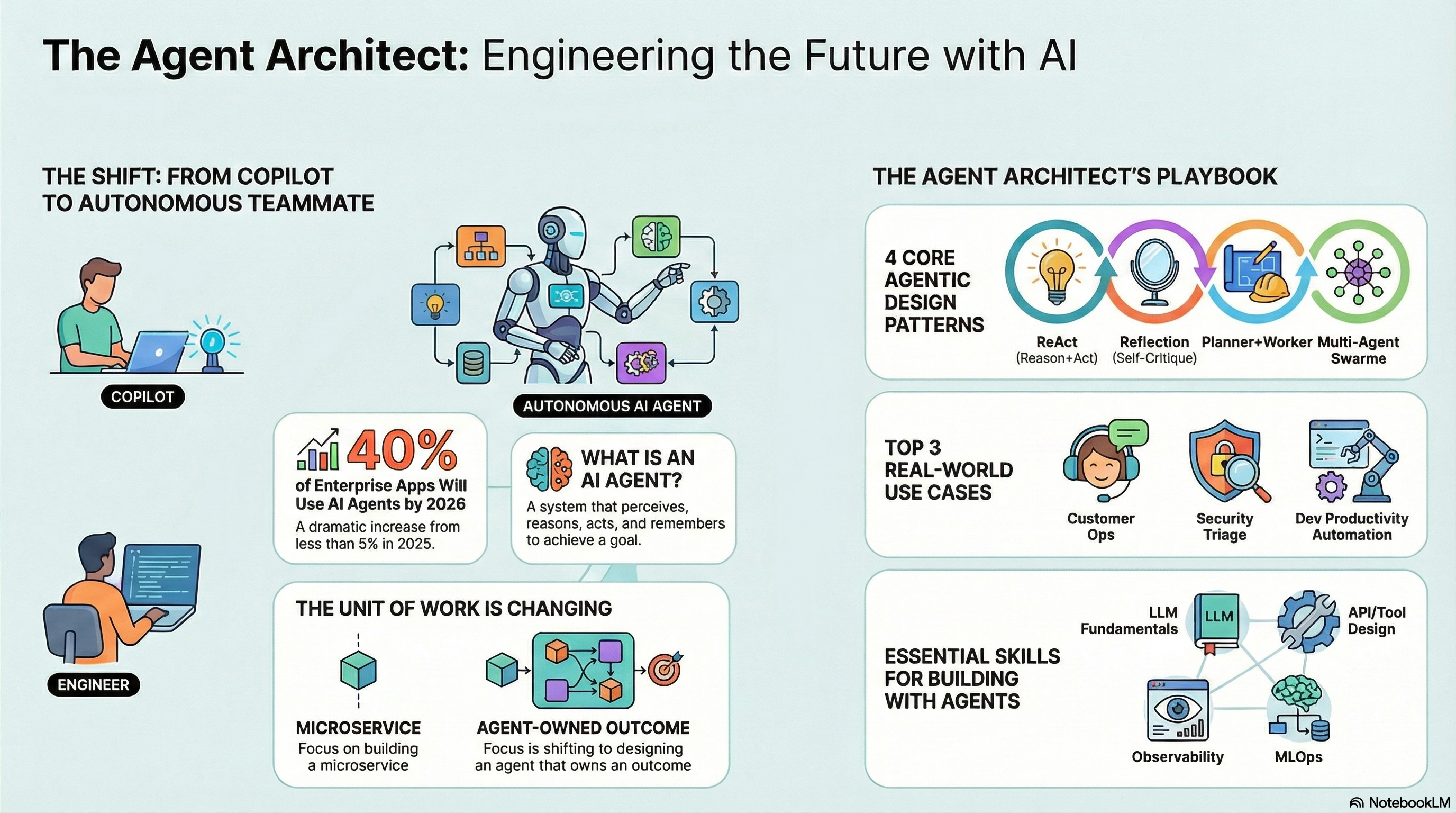
For solo developers and small startups, AI tools essentially act as extra team members who are always available: a pair programmer, a tester, a documentation writer, and sometimes even a DevOps engineer. This compresses the gap between idea and prototype; it is now realistic for one developer to ship a full-stack app with tests and CI over a weekend, leaning heavily on AI for boilerplate and glue code.
Larger organizations use AI to keep velocity high without sacrificing standards. Enterprise-focused assistants integrate with internal codebases, coding guidelines, and approval workflows, ensuring suggestions stay aligned with company policies. Some teams are even experimenting with “AI reviewer required” status checks, where an automated review must pass before human reviewers spend time on nuanced architectural and product considerations.
New skills developers need in 2025
Because AI tools are now powerful and opinionated, developers need to learn new meta-skills around prompting, review, and tool orchestration. It is no longer enough to know a language; the workflow now includes knowing how to communicate constraints clearly to an AI and how to audit its output efficiently.
Key skills emerging in 2025 include:
- Prompt design for coding: describing features, constraints, and edge cases in ways that produce good diffs instead of vague suggestions.
- Fast verification habits: writing small tests or quick scripts to validate AI changes, and treating AI-generated code as untrusted until proven.
- System-level thinking: deciding which tasks to automate, which to keep human-owned, and how to wire AI into pipelines without adding chaos.
Practical patterns to adopt now
For your own workflow, some battle-tested patterns are emerging as best practice in 2025:
- Let AI handle boilerplate; keep humans on architecture and domain logic. Use the assistant for CRUD handlers, DTOs, serializers, migrations, and repetitive transformations.
- Use AI as a “rubber duck with superpowers” when stuck. Ask it to explain errors, propose alternative designs, or outline steps to debug a tricky bug.
- Integrate AI into your Git flow. Have it write commit messages, summarize pull requests, and draft release notes, then edit for accuracy and tone.
- Plug AI into your tests and CI. Start with generating test stubs and asking the assistant to expand coverage in high-risk areas, and let CI-time agents summarize failures and suggest fixes.
Example: AI-augmented feature workflow
A typical feature loop in 2025 might look like:
- Write a natural-language spec in your issue tracker: “Add passwordless email login with magic links, with rate limiting and device recognition.”
- Ask your IDE assistant to scaffold backend endpoints, database tables, and basic tests according to that spec.
- Review and refine the diff, adjusting auth flows and adding organization-specific logic yourself.
- Let AI generate more exhaustive tests and security checks, then push to a branch and let CI+AI handle first-pass review and failure analysis.
The balance between speed and responsibility
The biggest risk with AI tools is not that they are “wrong”—all code can be wrong—but that they allow developers to ship wrong code faster. That is why teams that succeed with AI impose guardrails: mandatory human review for critical changes, test coverage thresholds, and strict logging around AI-generated edits.
Used with discipline, AI tools in 2025 make engineering work feel more like designing systems and less like typing syntax. They free developers from much of the mechanical work of coding so they can focus on architecture, product direction, and collaboration—while still shipping more features, with better tests, in less time.